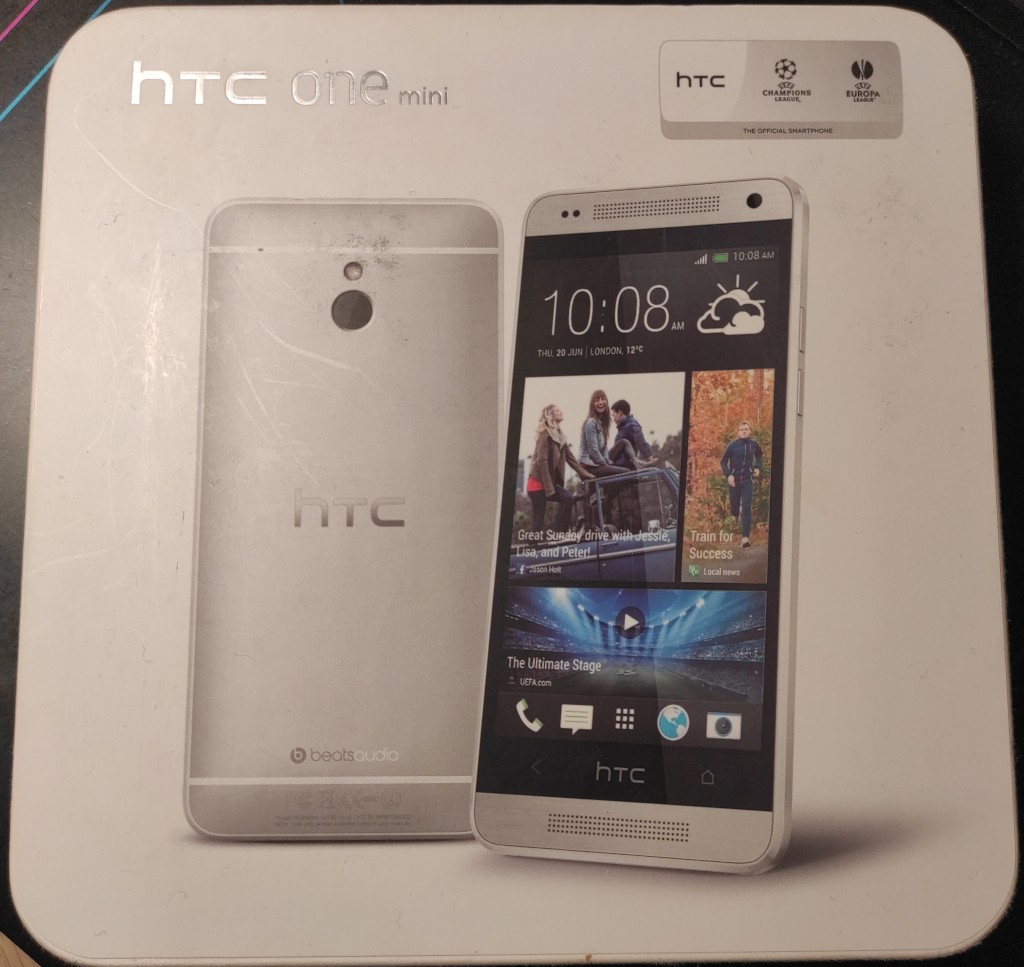
The next phone I received in the box was the HTC One Mini. It had a completely destroyed top cover and was unable to boot up. After connecting the charger, the phone started displaying a battery animation, but it was still unable to boot up.
I found out that the problem was caused by a damaged power button. I disassembled it down to the flex cable and was able to turn it on by manually connecting the wires.
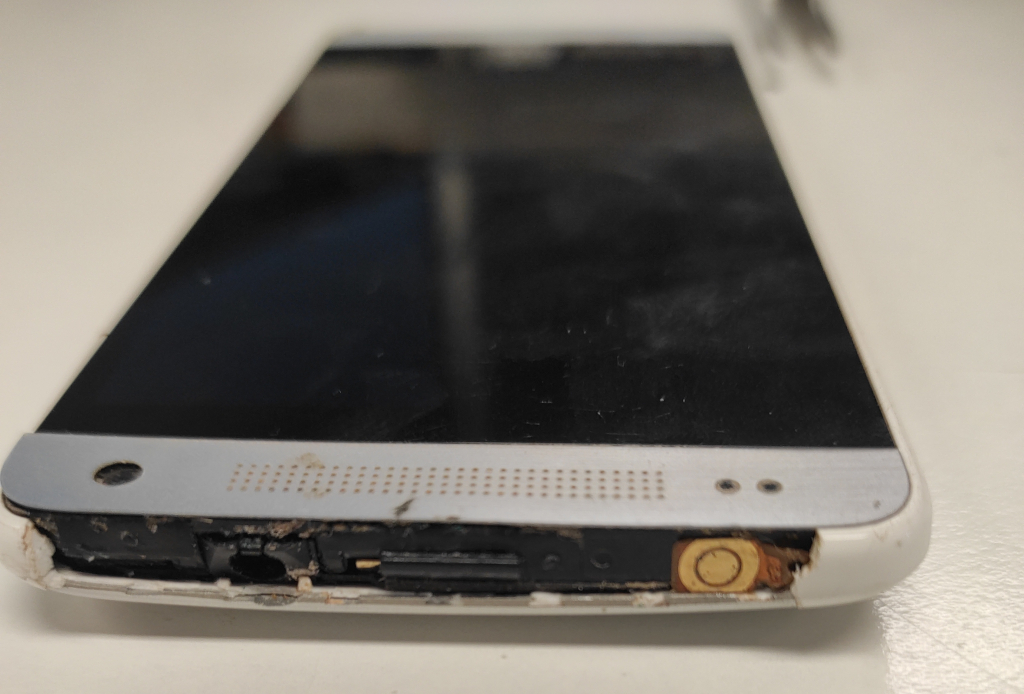
The next step was to replace the button. At first, I considered soldering wires to the flex and then soldering a micro-button. However, this would look ugly and be very difficult to do. Then I had the idea of using the flex as it is and just finding the right membrane to make it click again. I disassembled lots of microbuttons to find the ideal membrane size, and finally found one that fit really well. I fixed it with rubber tape to keep it in place and tried it out. It worked really well!
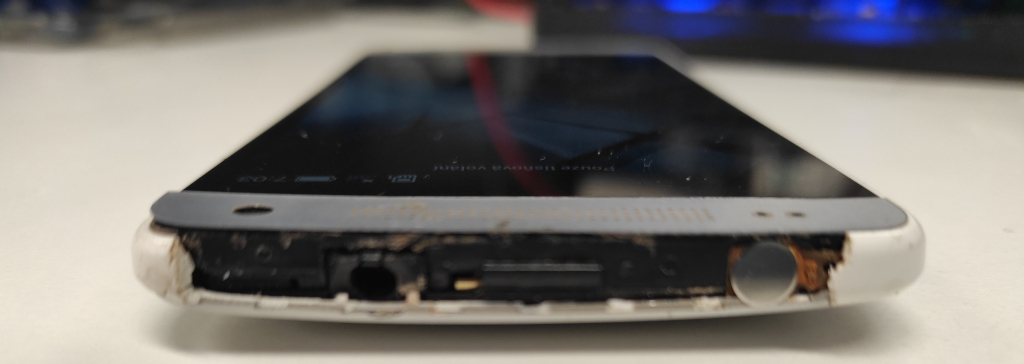
The next step was to recreate the cover. At first, I just used a piece of children's plastic foam, which hardens after a day in the air. I made the basic shape, carefully surrounded the tape on the button and the headphone jack, and left it to harden.
It wasn't that bad. It hardened and bonded really well to the rest of the cover. However, it was not the best option as it would wear off really quickly. However, my wife came to the rescue with her nail-making setup and finished the job with UV-hardened resin. It took her more than an hour to do it perfectly without letting the resin flow into the device, but the result is really good: it's very hard and seems like it will last longer than the original plastic.
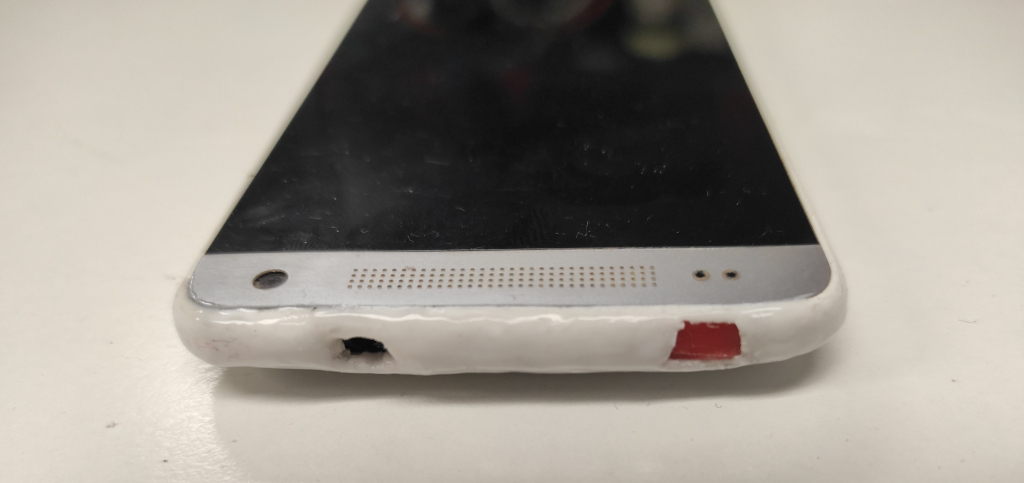
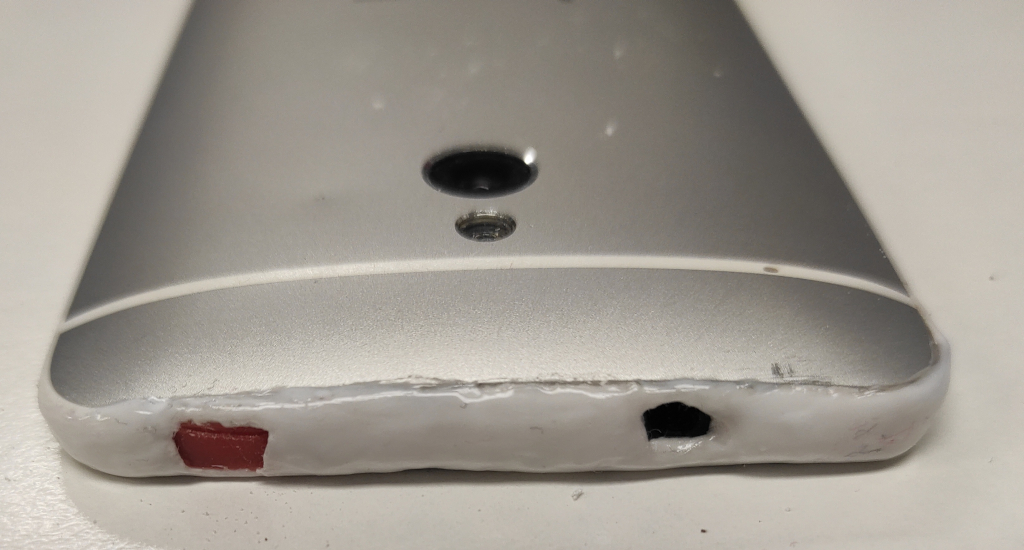
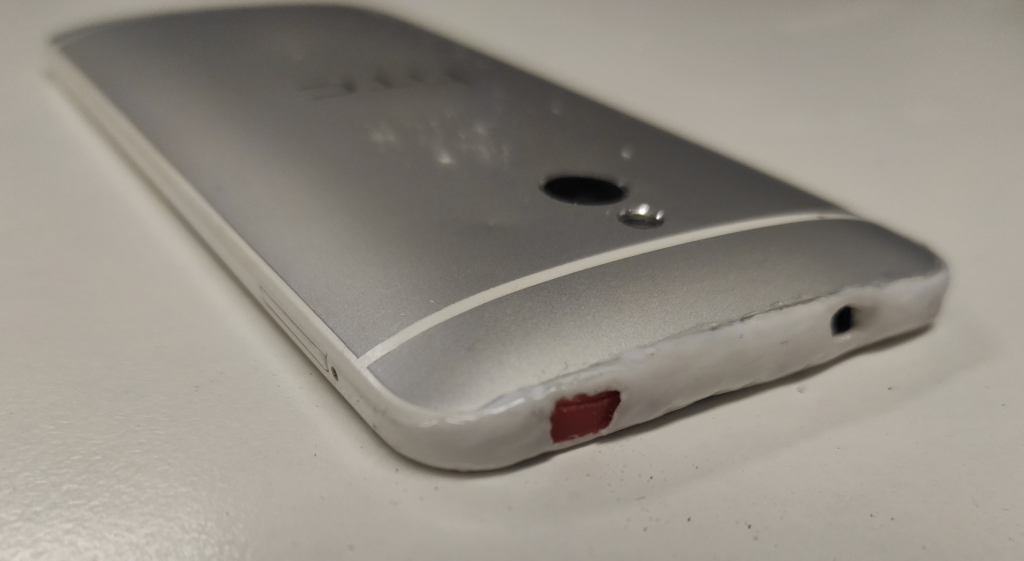
So, I think it's good enough. As usual, I'm going to fill the phone with software and add it to my collection.
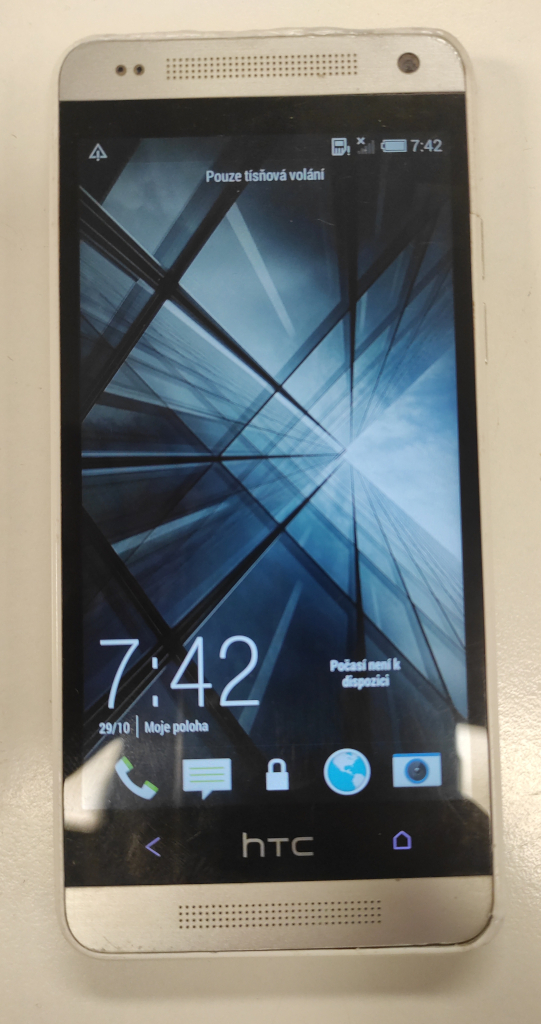
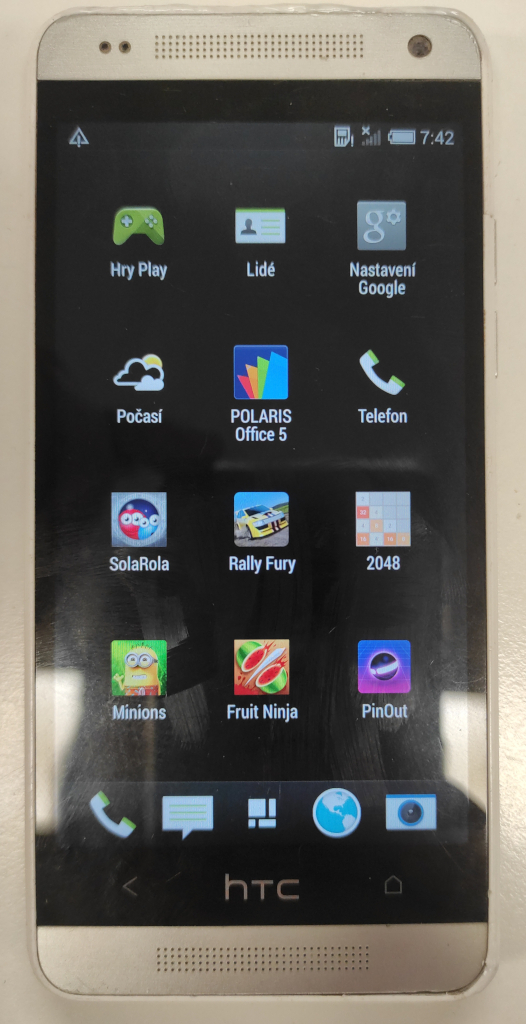
What surprises me is that the phone boots up really quickly and the custom HTC UI runs really smoothly. For its age it come Considering its age, it has a large ROM (around 10 GB of which is still free for the user) and 1 GB of RAM. It was originally released with Android 4.2.2, but mine has been upgraded to Android 4.4.2.

Jan "Jenkings" Škoda - blog
Simplifying IT, Amplifying Knowledge